


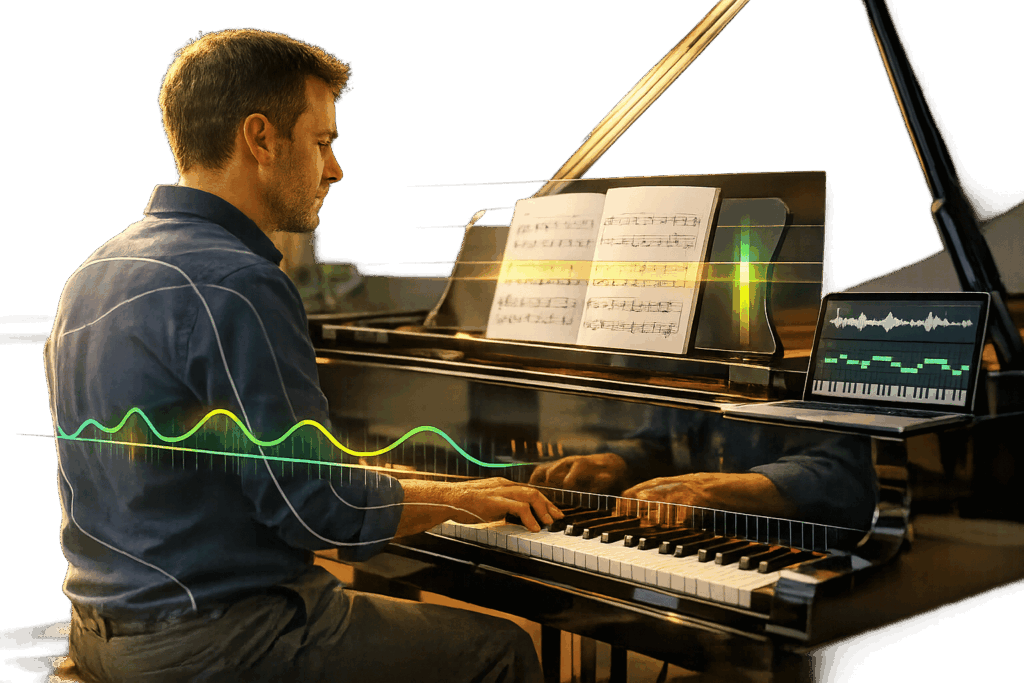


AI-powered tools are changing how piano players practice, delivering real-time feedback on pitch, rhythm, dynamics, and even posture. These tools help players of all levels improve faster, whether you’re a beginner correcting basic mistakes or an advanced musician refining complex techniques. Options like ROLI AI Music Coach and MuseFlow stand out by offering unique features such as hand-tracking for posture correction or generating sight-reading exercises tailored to your skill.
Key Takeaways:
- ROLI AI Music Coach: Tracks hand posture with infrared cameras, supports 40 languages, and offers bundles starting at $508. Ideal for technique improvement.
- MuseFlow: Focuses on sight-reading with adaptive exercises. Works with any MIDI keyboard and offers a 14-day free trial.
- Clefer: Free app for acoustic piano users, providing feedback via microphone.
- Ivory AI: Analyzes dynamics and transcribes performances to sheet music, with free and premium options.
AI tools make piano practice more effective by identifying errors instantly, customizing practice routines, and creating a pressure-free environment. Whether you’re using an acoustic piano or a MIDI keyboard, there’s a tool to fit your needs and goals.
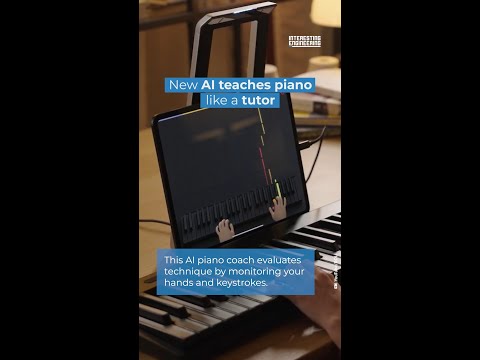
New AI teaches piano like a tutor
sbb-itb-b8bc1ab
Top AI Tools for Real-Time Piano Feedback
AI is making waves in the world of music education, offering tools that provide real-time feedback for piano practice. Among these, ROLI and MuseFlow are leading the charge with their innovative approaches.
ROLI AI Music Coach

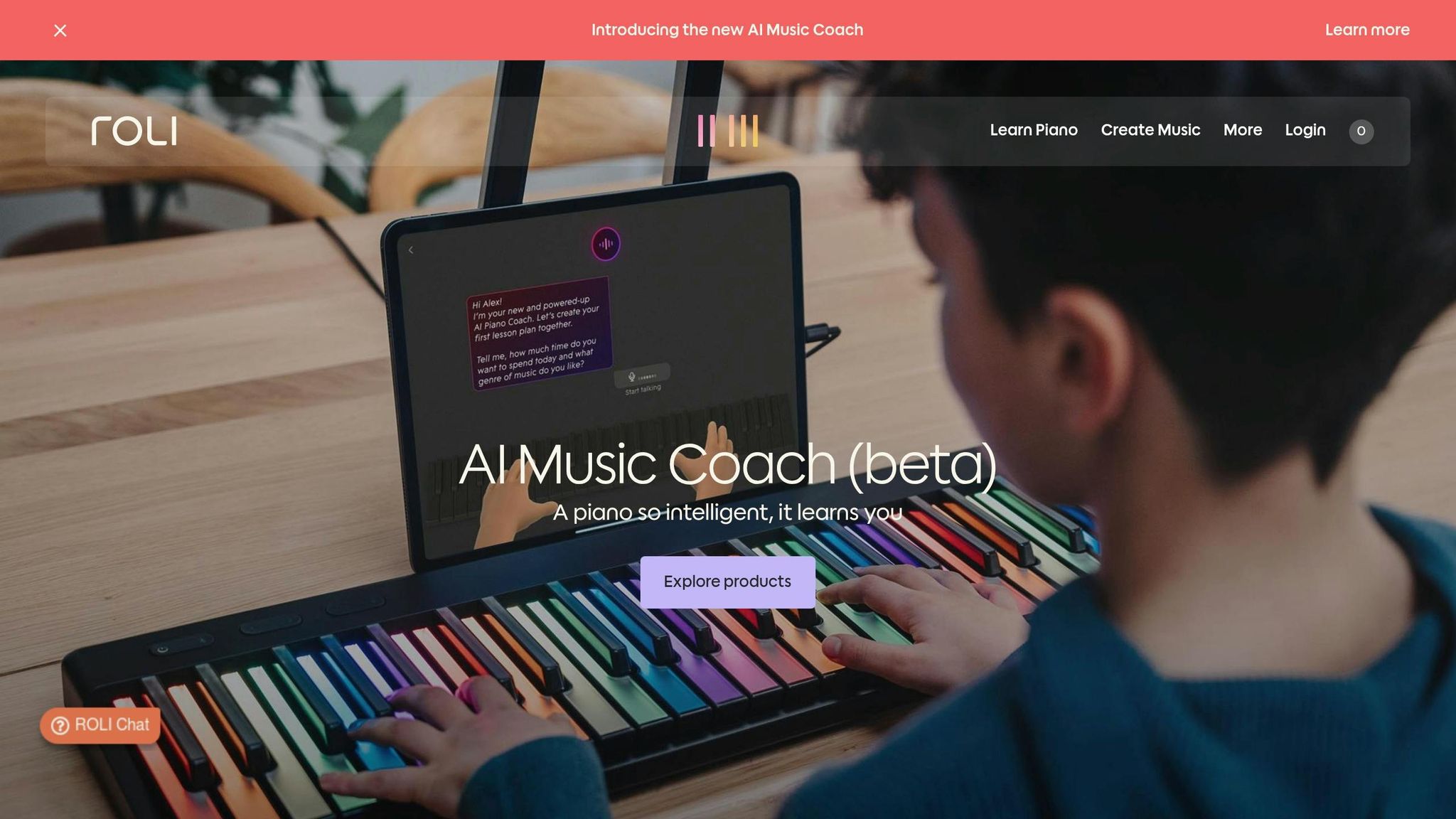


ROLI’s system combines cutting-edge infrared hand-tracking with a multilingual voice interface, creating an experience that feels as close to having a personal teacher as possible. Its spatial AI technology provides feedback across five key areas: posture, hand positioning, harmony, rhythm, and dynamics[8].
One standout feature is its voice interface, which supports 40 languages, making it easy to ask questions or adjust your practice speed naturally. As Roland Lamb, Co-founder and CEO of ROLI, puts it:
"The combination of hand tracking, advanced voice capabilities, and deep musical knowledge, results in an entirely new type of practice… the AI Coach can give you feedback on your technique."[6]
ROLI’s learning ecosystem includes over 1,200 songs and hundreds of video lessons. It works seamlessly with ROLI’s Piano, which features 49 glowing keys and is priced at $599.00, or the portable Piano M with 24 keys. The Airwave camera, essential for tracking, costs $349.00. Bundles are available: the Piano + Airwave is priced at $805.00, while the Piano M + Airwave costs $508.00. As of March 2026, the AI Music Coach is in beta and available exclusively on iOS.
While ROLI focuses on technique and holistic feedback, MuseFlow takes a different route, emphasizing sight-reading fluency.
MuseFlow AI Piano App
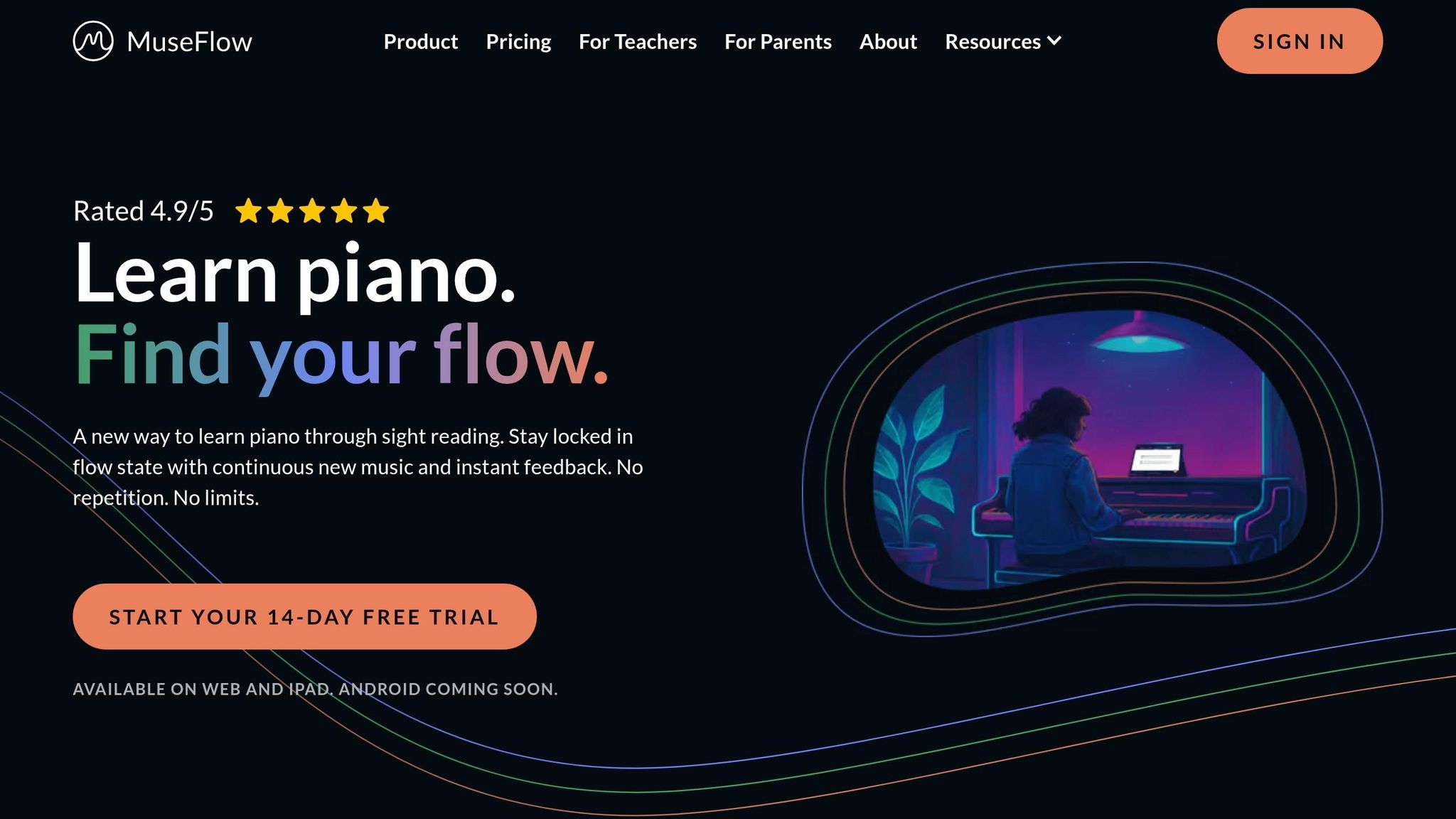
MuseFlow is designed to improve sight-reading skills by generating fresh, adaptive music exercises in real time. Instead of practicing pre-written pieces, users are continuously challenged with new material tailored to their skill level. The app connects to any MIDI keyboard and provides instant feedback on note accuracy and timing.
With a stellar user rating of 4.9 out of 5, MuseFlow has left a strong impression on students, much like the positive customer reviews we see for top-tier piano services. One user, Arjuna C., shared:
"I don’t think I’ve ever been this good at reading music. It never made sense to me before."[2]
MuseFlow offers a 14-day free trial and is currently available on the web and iPad, with plans to launch an Android version soon. Its focus on adaptive learning makes it a refreshing tool for students looking to sharpen their sight-reading skills.
Benefits of AI in Piano Practice
AI-driven tools bring three standout benefits to piano practice: accurate feedback, customized learning, and enhanced motivation.
Modern AI systems leverage Music Information Retrieval (MIR) technology to analyze pitch, timing, and dynamics with impressive accuracy[1]. This means even subtle rhythmic errors can be identified and addressed, giving you a clear picture of where improvements are needed[1].
But it doesn’t stop at just identifying mistakes. AI adapts to your individual needs, creating a practice routine tailored specifically to you. By analyzing real-time feedback, it spots recurring errors and adjusts your practice plan to target those problem areas[1]. For example, if a particular passage is giving you trouble, the AI can slow it down to 70% of its original speed without changing the pitch. It can even provide hand-specific playback to help you focus on one hand at a time[7][9][10]. And with conversational interfaces, you can ask questions about music theory or technique and get instant answers in any of 40 supported languages[3][6].
Motivation is another area where AI shines. The combination of personalized adjustments and immediate feedback keeps practice sessions engaging. AI creates a judgment-free zone, allowing you to practice without the pressure of a human teacher watching. As Hilary G., a Community Violin Student, put it:
"The good thing about this is I won’t have to worry about my teacher being impatient with me. It helps me slowly learn measure by measure."[1]
To make practice even more enjoyable, features like practice streaks, rewards, and real-time dynamic accompaniment transform what might feel like repetitive drills into a more musical experience. Sarah Jenkins, an Artie user, shared her excitement:
"My 20-day streak is my proudest achievement this month!"[10]
For those with packed schedules, AI tools like Artie focus on short, manageable sessions – just 10 minutes, three times a week[10]. This approach helps build consistent habits without feeling overwhelming. By combining instant feedback, adaptive difficulty, and engaging features, AI helps students enter a "flow state" where practice feels seamless and natural.
AI Tool Comparison

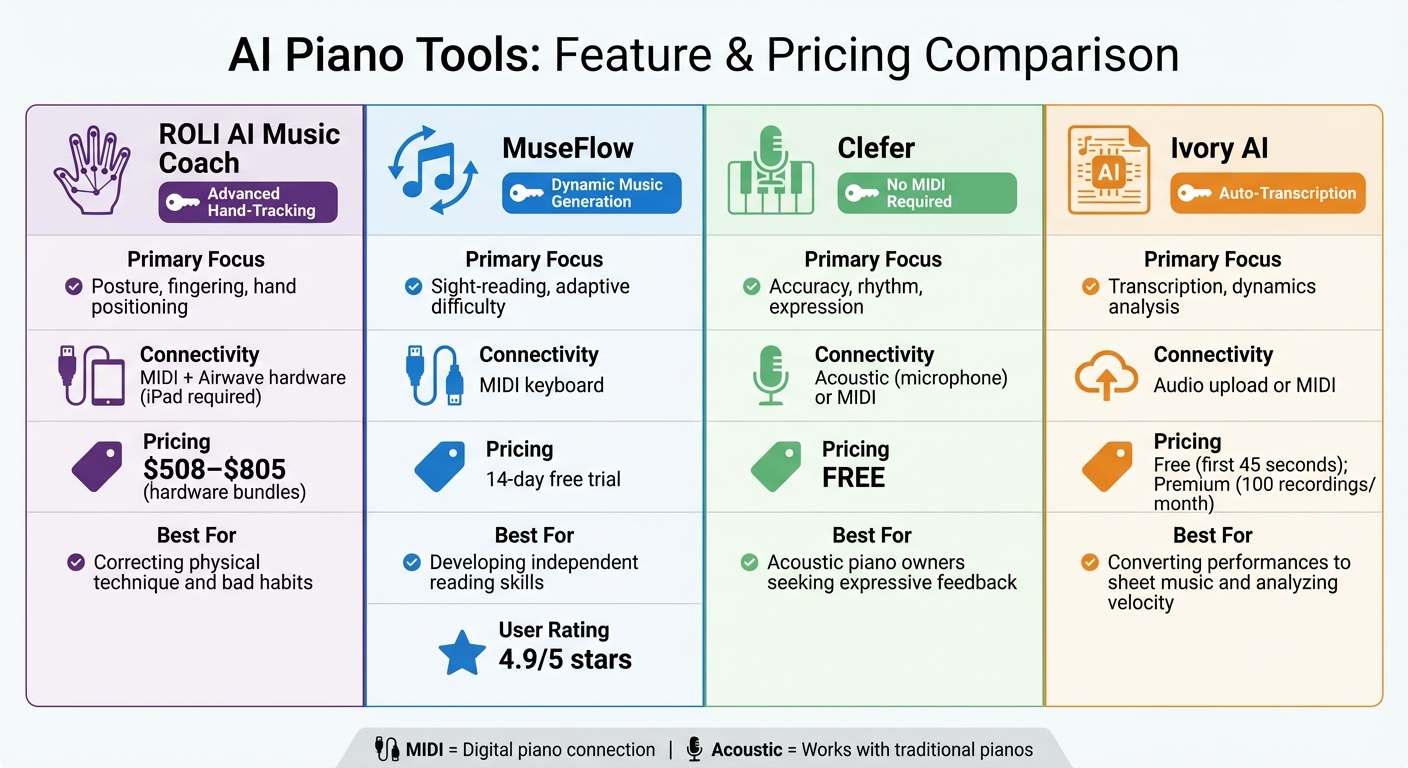
AI Piano Tools Comparison: Features, Pricing, and Best Use Cases
Choosing the right AI tool depends on what you’re aiming to achieve – whether it’s improving physical technique or sharpening sight-reading skills. Each tool offers unique real-time feedback tailored to different needs. Some focus on correcting posture and hand positioning, while others specialize in sight-reading or cater to acoustic piano users.
Feature Comparison Table
| Tool | Primary Focus | Connectivity | Pricing | Best For |
|---|---|---|---|---|
| ROLI AI Music Coach | Posture, fingering, hand positioning | MIDI + Airwave hardware (iPad required) | $508.00–$805.00 (hardware bundles) | Correcting physical technique and bad habits |
| MuseFlow | Sight-reading, adaptive difficulty | MIDI keyboard | 14-day free trial | Developing independent reading skills |
| Clefer | Accuracy, rhythm, expression | Acoustic (microphone) or MIDI | Free | Acoustic piano owners seeking expressive feedback |
| Ivory AI | Transcription, dynamics analysis | Audio upload or MIDI | Free (first 45 seconds); Premium (100 recordings/month) | Converting performances to sheet music and analyzing velocity |
Let’s take a closer look at what makes these tools stand out.
ROLI AI Music Coach uses advanced infrared hand-tracking to monitor your posture and fingering in real time. This feature provides personalized guidance that adjusts as you play. ROLI describes its tool as:
"AI Music Coach is the first piano learning experience that can see your hands and respond in real time to provide intelligent, conversational guidance"[3].
However, to fully utilize this tool, you’ll need an iPad Air (5th generation or newer) or iPad Pro (5th generation or newer) paired with ROLI’s Airwave hardware[3].
MuseFlow, on the other hand, focuses on enhancing sight-reading by generating new music dynamically. This prevents players from falling into the trap of memorization. The company highlights its unique approach:
"MuseFlow’s AI is always listening and learning alongside you…it recognizes patterns in your playing over time"[11].
With an impressive 4.9/5 user rating[2], MuseFlow is ideal for those looking to build independent reading skills.
For acoustic piano players who want to skip MIDI setups, Clefer offers a practical solution. It uses your device’s microphone to analyze your playing and provide feedback. This app works with both acoustic and digital pianos and is completely free[4]. Piano teacher Govert shares:
"The Clefer app makes playing a real pleasure for students by following along while they play"[4].
Each of these tools brings something different to the table, making it easier to find one that aligns with your goals and setup.
Choosing the Right AI Tool for Your Piano Journey
Picking the right AI tool for your piano practice starts with understanding your skill level and what you want to achieve. For beginners, tools with "Learn Modes" are a great fit. These modes guide you note by note and often use features like falling tiles to help you gain confidence without the stress of keeping perfect tempo[5]. If you’re just starting out, this kind of structured support can make learning enjoyable and less overwhelming.
For intermediate players, breaking free from the habit of memorizing pieces is key. Tools like MuseFlow focus on sight-reading by generating fresh, continuous music to play, helping you build fluency. As MuseFlow user Katherine M. puts it:
"I have never enjoyed playing piano so much. It’s like the experience people hope for from an AI piano tutor!"[2]
Advanced players, on the other hand, might benefit more from tools with "Audition Modes." These provide detailed feedback on advanced techniques like rubato, dynamics, and phrasing, offering a masterclass-like experience tailored to your specific challenges[5].
Your piano setup also plays a role in choosing the right tool. If you have an acoustic piano, look for microphone-based tools that can pick up your playing through ambient sound. If you use a digital piano, tools with MIDI connectivity provide more precise feedback by capturing exact note timing[12][13]. Some platforms, like ROLI’s AI Music Coach, even offer advanced features like hand-tracking – but keep in mind that these may require specific compatible devices.
Here’s a practical tip: take advantage of free trials before committing. For example, Piano AI offers a 7-day trial, while MuseFlow gives you 14 days to test their features[7][2]. Use this time to see if the app works well in your practice environment and if its feedback style suits your learning preferences.
When selecting a tool, think about what matters most to you. Need help with posture? Look for hand-tracking features. Want a wide variety of pieces to practice? Choose a platform with an extensive repertoire. Preparing for live performances? Opt for tools that simulate performance environments and offer artistic insights.
Finally, remember that AI tools are best used as practice companions, not replacements for traditional teaching. They shine in solo practice sessions by providing instant feedback and catching mistakes you might overlook. And as you grow, don’t hesitate to switch tools to match your evolving goals and skill level.
FAQs
Do I need a MIDI keyboard, or will this work with an acoustic piano?
You don’t need a MIDI keyboard to make the most of these AI tools. Options like Meter and Harmono are designed to work effortlessly with acoustic pianos, eliminating the need for extra gear. This means they’re available to anyone, no matter what kind of piano they play.
How accurate is AI feedback on rhythm and dynamics in real time?
AI tools excel at analyzing rhythm and dynamics, picking up on subtle changes with impressive accuracy. They provide instant, practical feedback that can help fine-tune timing, correct note precision, and enhance expressive details. This makes them an excellent resource for refining piano performance.
Can AI tools replace a piano teacher, or should I use both?
AI tools designed for piano feedback offer impressive features, such as real-time insights into note accuracy, timing, and technique. They can be incredibly helpful for fine-tuning technical aspects of practice. However, these tools fall short when it comes to providing the emotional connection, nuanced guidance, and motivational support that only a human teacher can offer. Combining the strengths of both – using AI for technical precision and a teacher for personalized mentorship – creates a well-rounded approach to building both technical skills and expressive musicality.